01
Attach a service in the editor
In the professional’s story editor, add a service to your photo or video before publishing.
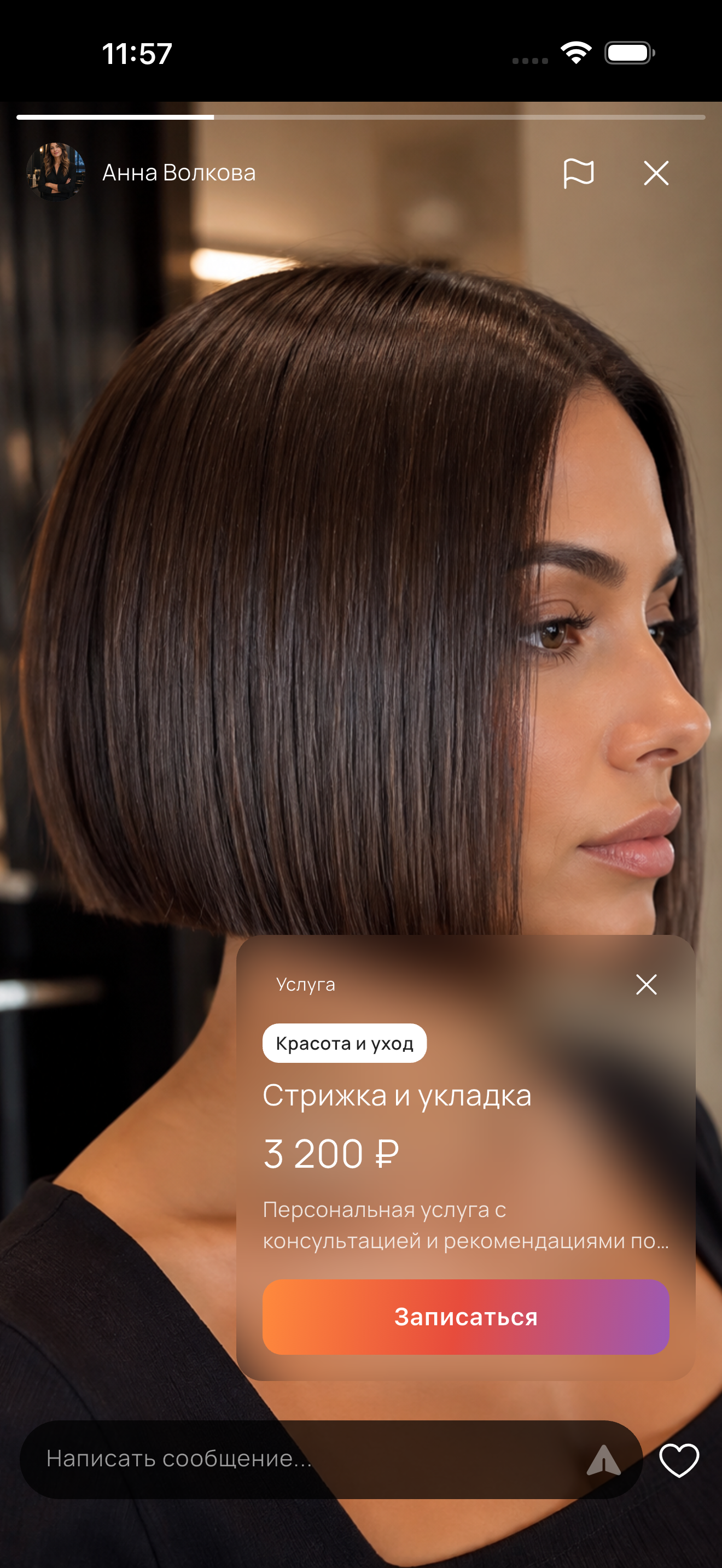
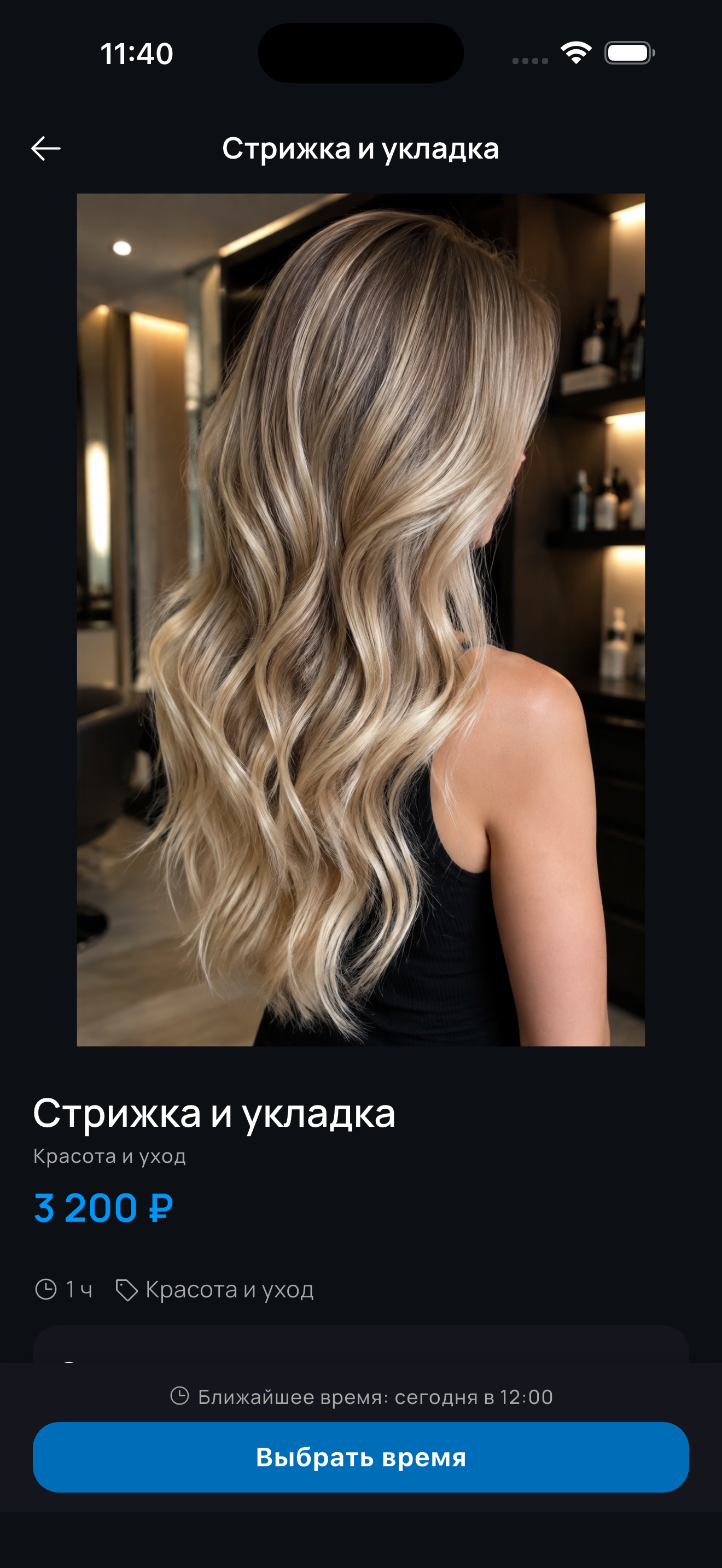
From view to booking
Attach a service to a story so clients can see the work, open the service and choose a free slot.
In the professional’s story editor, add a service to your photo or video before publishing.
In the published story, the client taps the attached service chip.
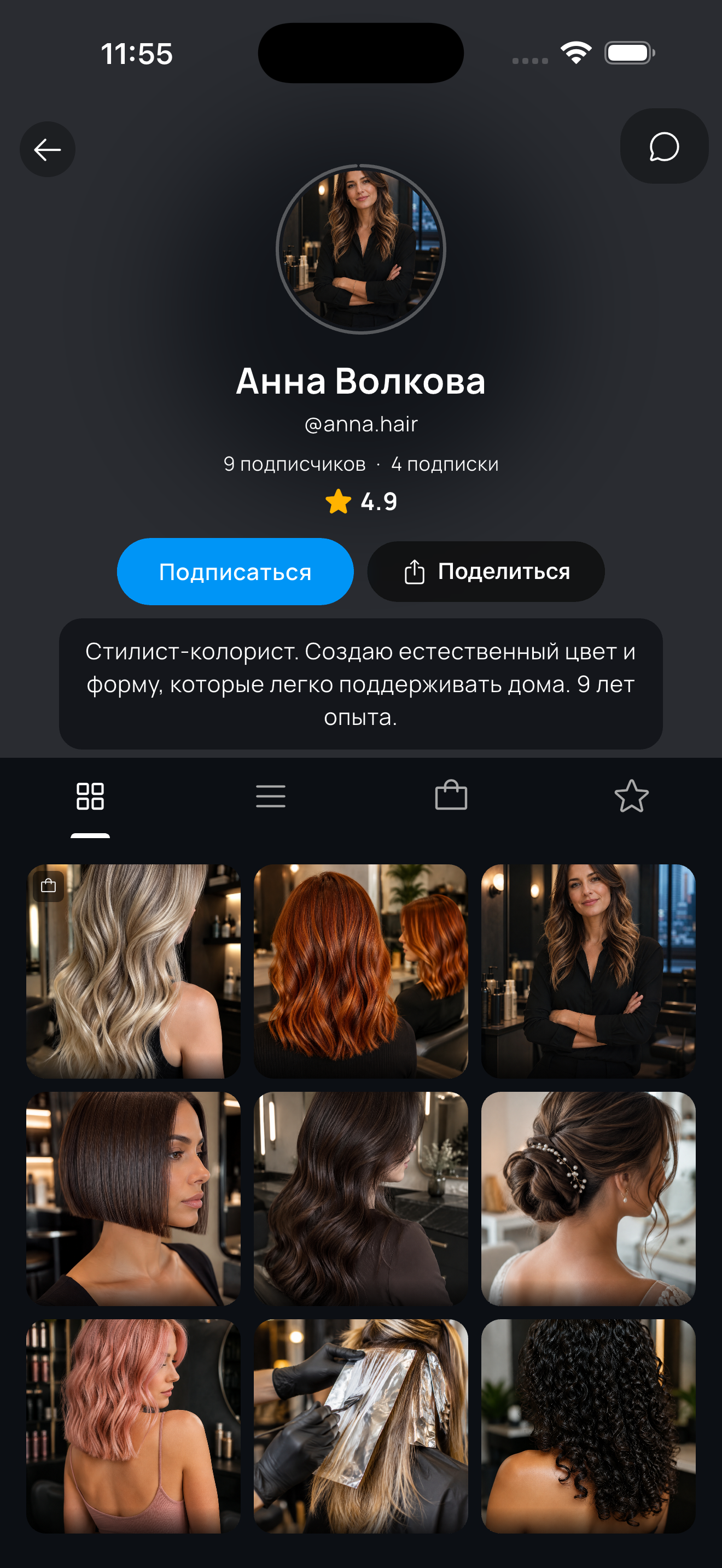
The card shows the name, description, price and “Book” button. Tap it to choose a time.
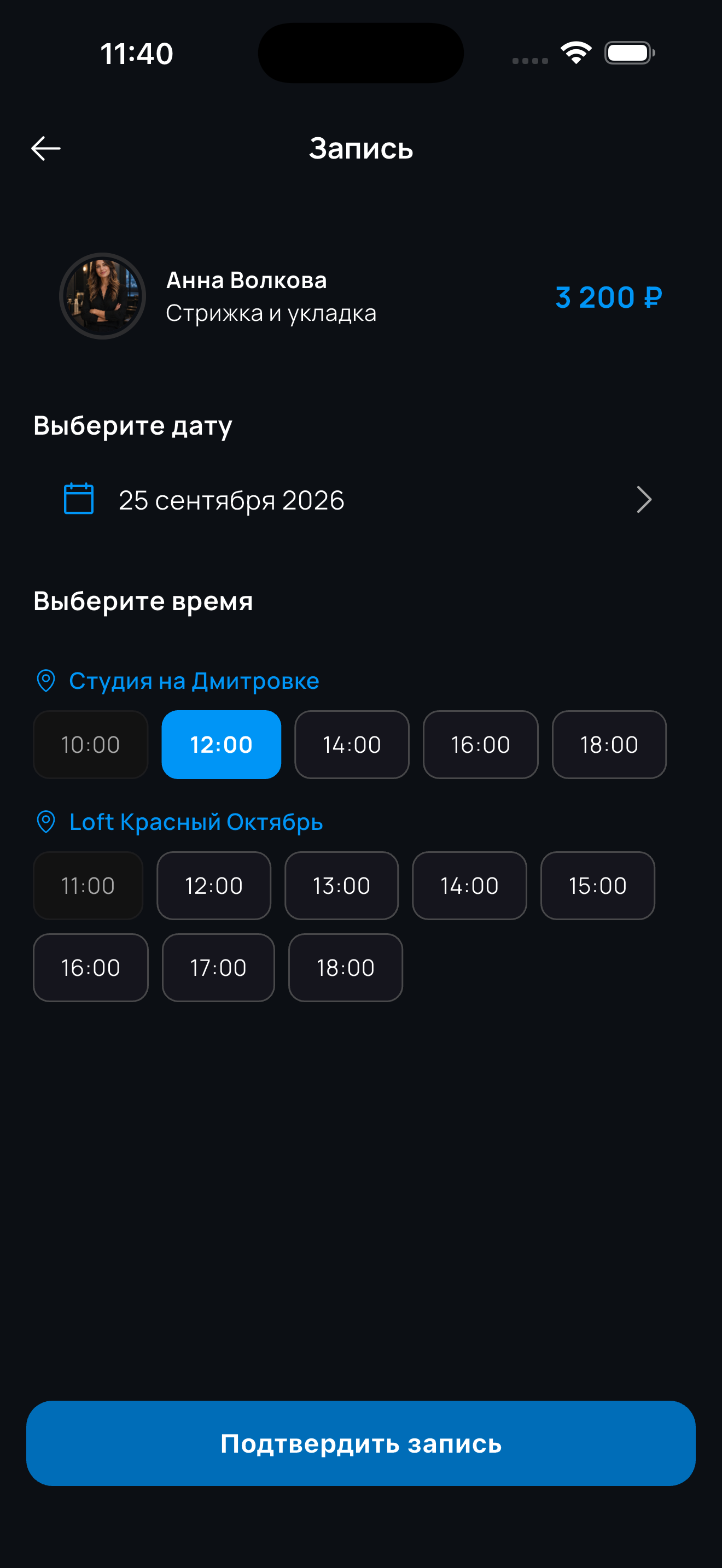
When online booking is enabled, the client chooses an available day and time for this service.
Yes, stories live inside the app: a photo or video stays available for 24 hours and is seen by your profile’s followers. You can attach a service to a story, so a viewer goes straight from watching it to the service card.
Not necessarily. If you have online booking enabled, the client picks a service and an available time right from the story, with no messaging. If booking is disabled, they will write to you in chat or call.
Yes, a story can feature a product as well. The client opens a card with the description and price, and the purchase itself is discussed with you in chat.